Watch Adobe rotate a flat drawing of a bread basket as if it were a 3D object
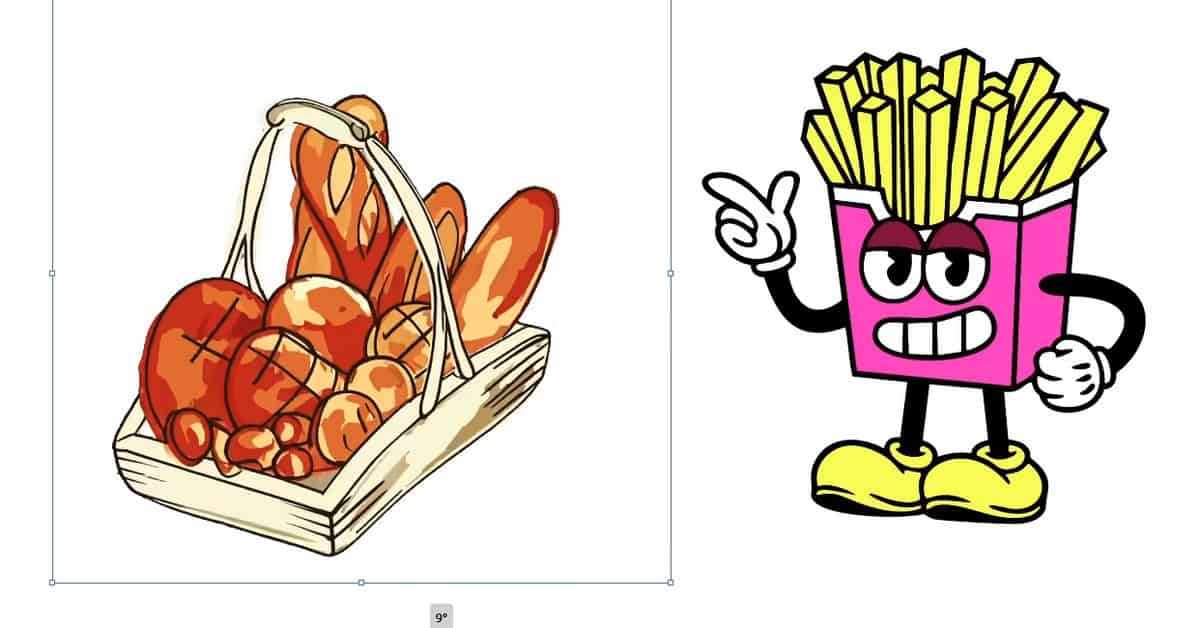

Adobe has been working on some experimental tech that could help speed up concept and planning work for graphic designers and audio engineers. Some of the “sneaks” previewed during Adobe’s MAX event include tools that can turn sketches into a variety of polished designs, and a feature for rotating 2D art as if it were a 3D object.
“Project Turntable” is capable of the latter. The tool allows users to click a button and then drag a slider along to automatically view and snap a vector image into a different viewing perspective — something that would typically require an artist to redraw the image entirely from scratch. The examples demonstrated at the event retained their original designs when rotated without warping into a new overall shape. For example, the dragon’s yellow underbelly and tail remained in the same position throughout all the changes.
If you prefer to work in physical mediums like pencil and paper, “Project Remix A Lot” can digitize those designs for you. The feature provides a “Sketch to layout” button that takes a rough design and uses generative AI to transform it into an editable digital image. Once a design is complete, users can also click the “Layout variations” button to automatically resize the final image into a selection of different sizing formats that are better suited for social media posts or blog headers.
We should note that these experimental tools aren’t guaranteed to be developed into publicly available features — Adobe mostly uses its sneaks program to preview the cutting-edge tech it’s working on and gauge the demand for such features. But many popular features like Photoshop’s Remove tool and Adobe’s Fresco painting app made their first appearance as sneaks, so there’s a good chance we may see these in Illustrator one day.
Outside of vector art, Adobe also demonstrated “Project Hi-Fi,” a Photoshop plugin that uses a portion of the user’s workspace as a reference to guide AI image generation. It works a bit like Adobe’s structure reference feature for Firefly, only with more scope for customization.
And for audio engineers, “Project Super Sonic” allows you to generate sample sound effects using prompts or by clicking on an object in a silent video, like a flowing stream or ferns in a jungle. The tool itself can recognize what the user is selecting and work out what it should sound like, so you don’t have to go manually hunting through audio libraries. Users can also adjust the timing of these sound effects using their own voice, providing more control than a text description.
Adobe has been working on some experimental tech that could help speed up concept and planning work for graphic designers and audio engineers. Some of the “sneaks” previewed during Adobe’s MAX event include tools that can turn sketches into a variety of polished designs, and a feature for rotating 2D…
