How to convert a PDF for your Kindle

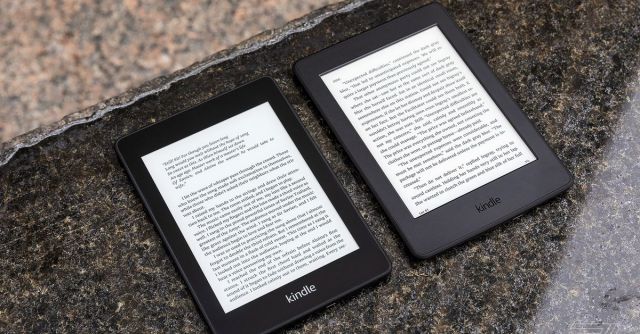
Not that long ago, a friend sent me a preview of a book that she was about to have published and asked me to read it. I was delighted — but unfortunately, the copy she sent was formatted as a PDF. And since I usually read books and other documents using my phone, I knew already that this was a recipe for eyestrain.
I spent a frustrating three days squinting at my screen until somebody reminded me that you can email a PDF to your Amazon account in a way that will convert the file so that it is formatted for easy reading on a Kindle or the Kindle app. I tried it, and it worked like a charm, making the document much easier to read.
If you ever find yourself faced with the same problem, here’s how to convert a PDF so it can be easily read using a Kindle or Kindle app.
First, you have to establish two points of information: you need your special Kindle email address (to which you’ll be sending the file), and you need to make sure the personal email address from which you’ll be sending the file is verified by Amazon.
On your laptop or desktop:
You can also find your Kindle email address on your mobile Kindle app:
Once those have been established, it’s very simple to send a PDF to your Kindle or to a device with a Kindle app:
It may take a couple of minutes for the file to appear on your Kindle or Kindle-enabled device, but soon, you should have a Kindle version of your PDF that you can bookmark, annotate, and change the typeface and type size of, etc. Even with the glitches that will inevitably appear (most conversions are not perfect), you will end up with a far more readable document.
Update August 23rd, 2023, 3:19PM ET: This article was originally published on July 6th, 2020, and has been updated to account for changes in the app.
Not that long ago, a friend sent me a preview of a book that she was about to have published and asked me to read it. I was delighted — but unfortunately, the copy she sent was formatted as a PDF. And since I usually read books and other documents…
