Having issues with macOS Sequoia pop-ups? Apple is working on it but there’s a fix now

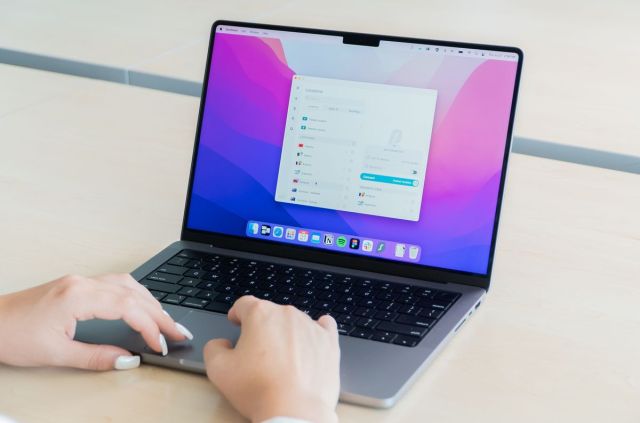
Apple’s latest OS, macOS Sequoia, has been out for about a month now, and users are already complaining about a certain feature that has become a persistent nuisance for users.
In order to protect users’ privacy, the OS has been displaying popups about app permissions. While this is a great way to inform and then remind users of their rights, the problem arises when these popups are constantly and excessively appearing on screen.
There have been complaints concerning this issue, including one from Vercel CEO Guillermo Rauch, posted to his X (formerly Twitter) account.
Just ran software update. Got this.Steve would have had an aneurysm. pic.twitter.com/TjXdrVYFQTOctober 16, 2024
There’s also a Reddit thread about the issue with the original post stating: “It’s only been a day and I’m feeling completely overloaded by the number of pop-ups in macOS Sequoia. Seriously it’s starting to feel like using Windows all over again with the amount of ‘Are you sure you want to allow application access to your local network? It might be dangerous!’”
It seems that Apple is planning on addressing this issue soon with update macOS Sequoia 15.1, using both Apple Intelligence and making the notifications less intrusive by marking apps as ‘trusted.’
However, if you can’t wait for this update and need a fix now, there’s currently another workaround. The recently created app called Amnesia lets you turn off the monthly reminders for Screen Capture Access on an app-by-app basis. And instead of paying a fixed price or subscription, you can simply donate what you want.
macOS Sequoia has plenty of problems
This isn’t the first time users have run into issues with macOS Sequoia either. Just recently, there was a feature-breaking security bug that created trouble with multiple security products including enterprise solutions like CrowdStrike, SentinelOne, and Microsoft Defender. And this issue is still affecting Mac VPNs like ExpressVPN.
Some Sequoia users also experienced USB connectivity issues. When plugging USB sticks or chargers into the Mac’s ports, the system doesn’t detect them right away. Sometimes they’re taking a considerable time to connect, and sometimes the OS isn’t finding them at all. However, the issue doesn’t seem to be too widespread which is most likely why Apple hasn’t commented on the matter as of now.
In fact, we even created a guide on how to fix the most common issues that users have been encountering like installing the OS in the first place, Bluetooth bugs, Touch Bar not working, and buggy browsers.
With the multitude of issues being found in such a short timeframe, it seems that the best option is simply to hold off on installing Sequoia until the issue is addressed. After all, that’s what Windows users have learned to do thanks to the OS suffering similar issues after every new OS version.
You might also like
Apple’s latest OS, macOS Sequoia, has been out for about a month now, and users are already complaining about a certain feature that has become a persistent nuisance for users. In order to protect users’ privacy, the OS has been displaying popups about app permissions. While this is a great…
