Google’s Gemini AI smart home controls are rolling out to everyone

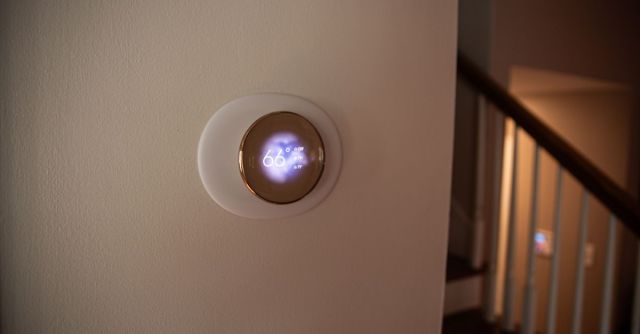
Google is bringing smart home controls in Gemini to everyone. The Google Home extension in the Gemini app is adding a few new features, in addition to letting you adjust your smart lighting, thermostat, speakers, and other compatible devices as long as they’re connected to your Google account.
Google first previewed the extension last November. With it, you can use natural language to control your smart home when interacting with Gemini, such as saying “The sun is too bright in the living room” to close your smart blinds. But now, Gemini can also carry out multiple requests, like “Turn the armchair light on too, but dim the kitchen lamp.” You’ll be able to use the Google Home extension to ask Gemini about the status of your devices too, such as whether you’ve left your porch light on.
Additionally, Google will let you control “non-sensitive” smart home devices, like your lights, from your phone’s lock screen. Other updates include the ability to adjust the volume, pause, and resume media on smart speakers, displays, and TVs within the Gemini app, as well as an updated thermostat control design that matches the one inside Google Home. Gemini will also automatically open the Google Home app for security-related actions for cameras and locks (it previously only linked you).
The launch of the Google Home extension follows a big update to Gemini, which lets it perform more complex tasks across multiple apps. You can try out the integration for yourself by signing into Gemini with the same account you use for Home and turning on the Google Home extension. It launches today but is rolling out “over the coming weeks.”
Google is bringing smart home controls in Gemini to everyone. The Google Home extension in the Gemini app is adding a few new features, in addition to letting you adjust your smart lighting, thermostat, speakers, and other compatible devices as long as they’re connected to your Google account. Google first…
