Apple and Google have teamed up to help make it easier to spot suspicious item trackers

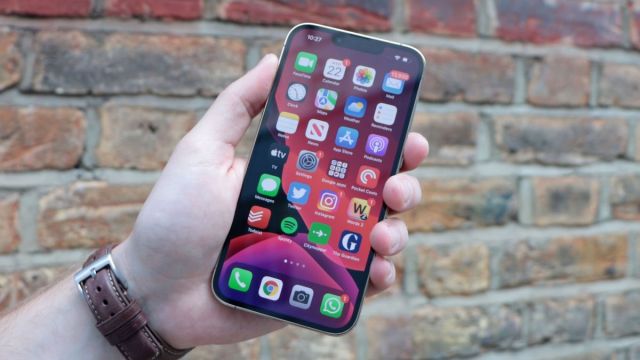
As part of iOS 17.5, Apple is finally rolling out its Detecting Unwanted Location Trackers specification, allowing mobile users to locate suspiciously placed AirTags and other similar devices. Simply, this update has been a long time coming.
To give a quick breakdown of the situation at large, Bluetooth trackers were being used as a way to stalk people. Google announced that it and Apple were teaming up to tackle this problem. The former sought to upgrade its Find My Device network quickly but decided to postpone the launch, partly to wait until Apple finished developing its new standard.
With iOS 17.5, though, Apple states that your iPhone will notify you if an unknown Bluetooth tracker device was placed on you. If it sniffs something out, an “[Item] Found Moving With You” alert will appear on the smartphone screen.
Upon detection, your iPhone can trigger a noise on the tracker to help you locate it. An accompanying notification will include a guide showing you how to disable the gadget. You can find these instructions on Apple’s support website.
Supporting devices
The detection tool can locate other Find My accessories so long as the third-party trackers are built to the specifications that Apple and Google are on. Devices not on the new network aren’t compatible and will not work. Third-party tag manufacturers like Chipolo and Motorola are reportedly committing future releases to the new standard, which means the iOS feature will also detect forthcoming models.
Android devices have been capable of detecting Bluetooth trackers for some time, and Google is currently rolling out its long-awaited Find My Device upgrade to smartphones. Thanks to the Detecting Unwanted Location Trackers specification, it’ll work in conjunction with Apple’s network.
Part of iOS 17.5
There is more to iOS 17.5 than just the security patch.
First, it’s introducing a dynamic wallpaper celebrating the LGBTQ+ community just in time for Pride Month. Second, the company is adding a new game called Quartile to Apple News Plus. It’s sort of like Scrabble, where you have to make up words using small groups of letters.
Moreover, Apple News Plus subscribers can download audio briefings, entire magazine issues, and more for offline enjoyment. When you’re back online, the downloaded content list “will automatically refresh.”
Besides these, 9To5Mac has confirmed even more changes like the Podcasts widget receiving support for dynamic colors. This alters the color of the box to match a podcast’s artwork. The publication also confirms the existence of Repair State, a “special hibernation mode” that lets people send in their iPhone for service without disabling the Find My connection.
To install iOS 17.5, head over to your iPhone’s Settings menu. Go to General then Software Update to receive the patch. And be sure to check out TechRadar’s list of the best iPhone for 2024.
You might also like
As part of iOS 17.5, Apple is finally rolling out its Detecting Unwanted Location Trackers specification, allowing mobile users to locate suspiciously placed AirTags and other similar devices. Simply, this update has been a long time coming. To give a quick breakdown of the situation at large, Bluetooth trackers were…
