Amazon’s killing a feature that let you download and backup Kindle books
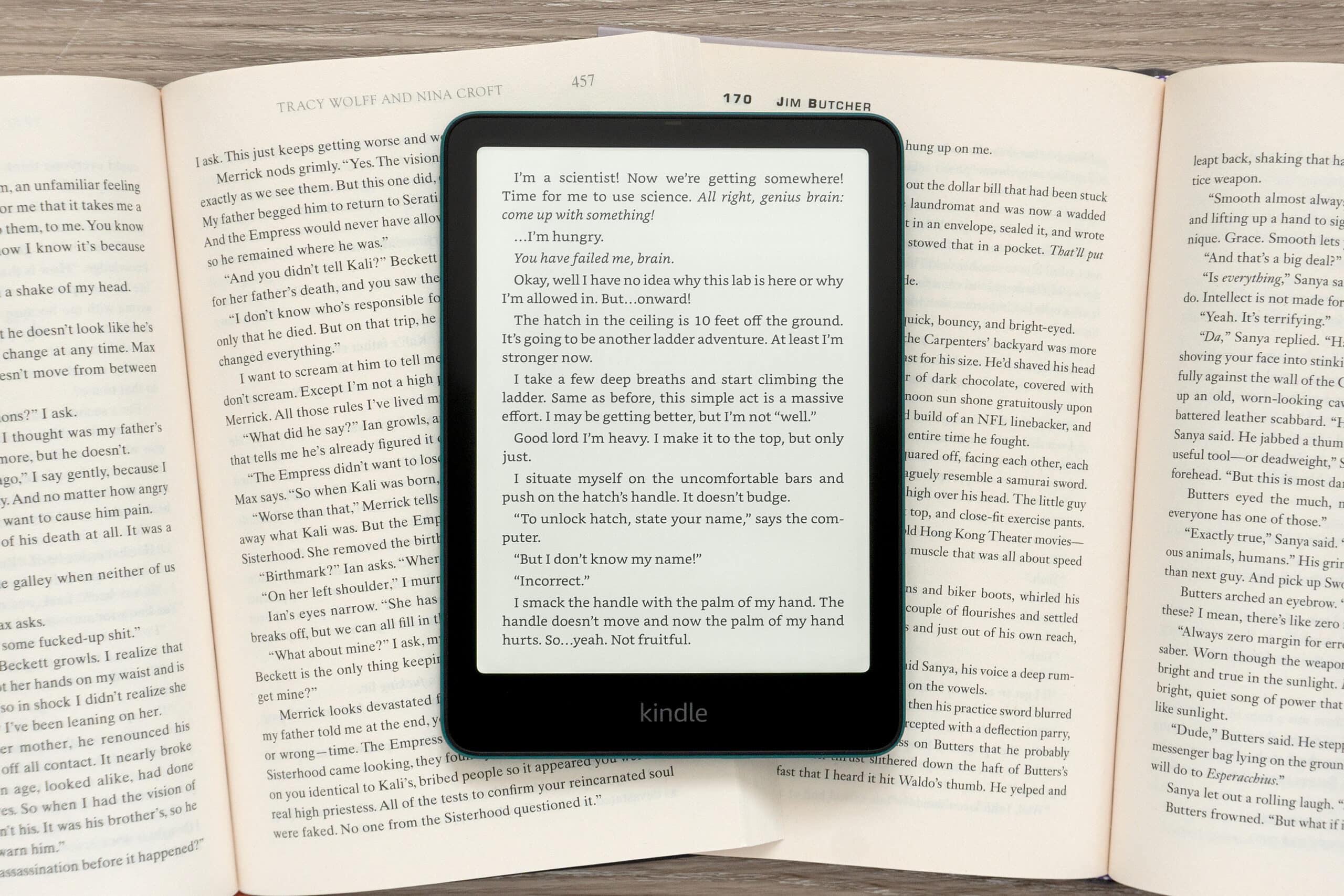
Starting on February 26th, 2025, Amazon is removing a feature from its website allowing you to download purchased books to a computer and then copy them manually to a Kindle over USB. It’s a feature that a lot of Kindle users are probably not aware of, given books can be more easily sent to devices over Wi-Fi, but it’s especially useful for backing up purchases or converting them to other formats compatible with non-Kindle e-readers.
There are a few reasons why some Kindle users might miss this feature. It’s useful if you don’t have access to a Wi-Fi network, and although it’s a tedious process since purchased books can only be downloaded one at a time, there’s some peace of mind in knowing you have offline copies of all your books.
It doesn’t happen frequently, but as Good e-Reader points out, Amazon has occasionally removed books from its online store and remotely deleted them from Kindles or edited titles and re-uploaded new copies to its e-readers. In 2009, the company removed copies of George Orwell’s Nineteen Eighty-Four and Animal Farm, explaining the books had been mistakenly published. More recently, many of Roald Dahl’s books, including Charlie and the Chocolate Factory, were replaced with updated copies featuring modified language on various ebook platforms. It’s a reminder that you don’t actually own much of the digital content you consume, and without the ability to back up copies of ebooks, you could lose them entirely if they’re banned and removed.
The feature is also the easiest way to convert books purchased from Amazon to other formats like EPUB that can be used on alternative devices such as a Kobo. Books downloaded through Amazon’s website are delivered in the older AZW3 format which allows DRM to be easily removed using various software tools.
Older Kindle models also store books in the AZW3 format, and they can be extracted by connecting the device to a computer with a USB cable. But modern Kindles use the newer KFX format (first rolled out in 2015) which introduced improved font rendering, better layout capabilities, and DRM that’s nearly impossible to circumvent.
The download feature is a carryover from the days when Kindles didn’t come with Wi-Fi, allowing users who also weren’t able to take advantage of Amazon’s cellular Whispernet service to get purchased books onto their e-readers. It’s still accessible through Amazon’s website by accessing your “Content Library” while logged into your account. For purchased books you select the “More actions” menu, choose “Download & transfer via USB,” select a Kindle device you have registered, and a copy of the book will be downloaded to your computer.
But the pop-up that appears when selecting the download option now includes an additional warning. “Starting February 26, 2025, the ‘Download & Transfer via USB’ option will no longer be available. You can still send Kindle books to your Wi-Fi enabled devices by selecting the ‘Deliver or Remove from Device’ option.“
Once this feature goes away, you’ll still be able to manually copy ebook files and other documents to Kindles over USB using Amazon’s apps or third-party solutions like Calibre. You just won’t be able to download copies of your purchased books to a computer.
The Verge reached out to Amazon with a request for comment on why this feature is being removed but didn’t immediately hear back.
Starting on February 26th, 2025, Amazon is removing a feature from its website allowing you to download purchased books to a computer and then copy them manually to a Kindle over USB. It’s a feature that a lot of Kindle users are probably not aware of, given books can be…
