Microsoft Authenticator is deleting your passwords today – here is what to do now

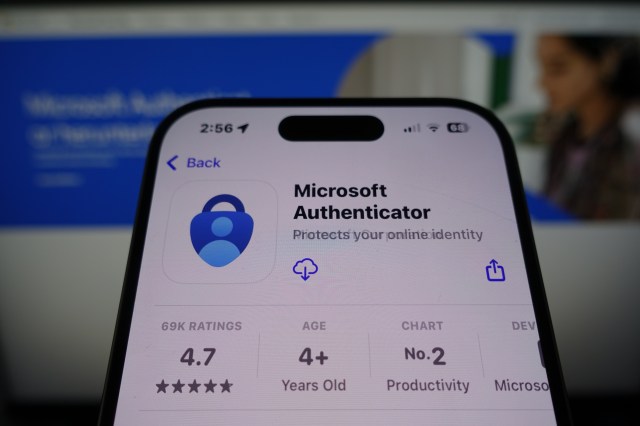
- Microsoft Authenticator is shutting down today
- This is your last chance to save your stored passwords
- Microsoft is switching to a more secure alternative
In case you missed the warnings, Microsoft Authenticator is shutting down today (August 1, 2025) and will delete all of your stored passwords – unless you do a few key things.
Microsoft has been warning users of the impending shutdown of its authenticator app for some time now, notifying users they will have to switch to using passkeys rather than the Microsoft Authenticator.
For anyone who hasn’t prepared for today’s shutdown, this is your last chance to port all your stored credentials over to Microsoft Edge.
How to save your passwords
Passkeys have been fast becoming the preferred alternative to passwords for businesses and consumers alike. They’re faster to use and much more secure against phishing and credential theft, and each passkey is entirely unique and stored securely.
As an added bonus, passkeys can be verified using secure biometric authentication using a facial recognition scan or a fingerprint.
If you want to save all your stored Microsoft Authenticator passwords to access them later, you only have today to port your passwords over to Microsoft Edge. Otherwise, they will be deleted and you won’t be able to access them.
Users will be prompted to set up a passkey if they have a password and one-time code set up on their account.
Simply log in to your Microsoft Authenticator account, and a prompt will appear asking you to set up a new passkey. Alternatively, you can open your account, tap the ‘set up a passkey’ option, and then use your existing username and password to log in.
Microsoft has spent a lot of time and effort making passkeys the default login option, studying how users interact with passkeys and what would make a user more likely to use a passkey. The perk that resonated most with users is the ability to sign in faster and more easily than typing in a password.
As passkeys aren’t left up to the user to decide (or remember) they are significantly more secure than user generated passwords, and don’t have to be stored in a password manager.
For a hacker to crack into a passkey protected account, they would need to have physical access to your face or fingerprint or in some cases, a secure PIN.
You might also like

Microsoft Authenticator is shutting down today This is your last chance to save your stored passwords Microsoft is switching to a more secure alternative In case you missed the warnings, Microsoft Authenticator is shutting down today (August 1, 2025) and will delete all of your stored passwords – unless you…
