Microsoft Copilot is putting eyes on your screen, and I don’t mind it – as long as it stays private
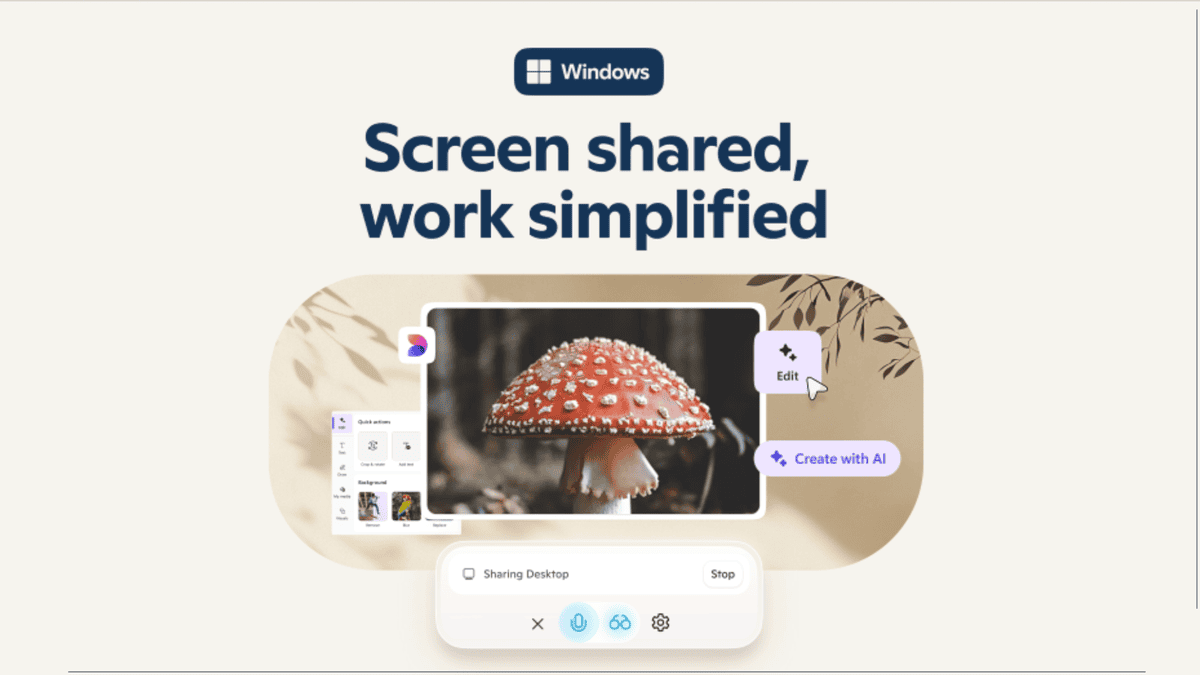
Microsoft followed at least one part of my wishlist for its Copilot event when it announced Copilot Vision will be embedded in Windows 11 and the mobile app.
Copilot Vision will let the AI actually see what’s on your screen and the world around you. Microsoft first toyed with the idea in Edge, where Copilot could peek at the browser and offer help. But now it’s going system-wide, across apps, websites, and even what your smartphone camera shows on your screen.
The idea is to offer a proactive AI assistant that can scan an Excel sheet, summarize a PDF, suggest how to adjust your settings, or identify the wild berry you’re not sure is edible or poisonous.
The appeal is obvious, even when compared to tools with similar features like ChatGPT and Gemini. Those tools can be great on a desktop or laptop, but they don’t have the luxury of being built directly into your operating system.
Copilot has a home-field advantage on Windows 11. Vision leverages that advantage. It doesn’t have to wait for a prompt; it can see what you’re doing and offer context-relevant help.
Copilot Vision caution
Microsoft clearly anticipates some trepidation over Copilot Vision’s expansion based on how eager the company is to highlight the feature’s privacy aspects. Microsoft says Copilot Vision only works when you grant access. Still, there’s no denying the privacy weirdness. The digital equivalent of someone looking over your shoulder sounds creepy out of context.
Of course, it’s not like we haven’t all been handing over swaths of data to the cloud to get slightly better movie recommendations or similar benefits. But I can understand why letting AI literally read your screen as you do the same might feel intimate in a disconcerting way.
Control and trust might make the difference in Copilot Vision’s success. If Microsoft starts making Copilot Vision default-on or hides the permission settings in some deeply buried system menu, more people might turn away from Copilot entirely and turn to another option with the same abilities but with the user controlling it more.
I still think it will be a genuinely useful addition to Copilot, especially on the surprisingly well-designed Copilot mobile app. You’ll want to keep track of what permissions you give and when Copilot Vision is active. I’d encourage trying it out, but keep your eyes open when the AI is doing the same.
You might also like
Microsoft followed at least one part of my wishlist for its Copilot event when it announced Copilot Vision will be embedded in Windows 11 and the mobile app. Copilot Vision will let the AI actually see what’s on your screen and the world around you. Microsoft first toyed with the…
