Meta’s new Quest update has faster hand tracking and at-a-glance PC connections
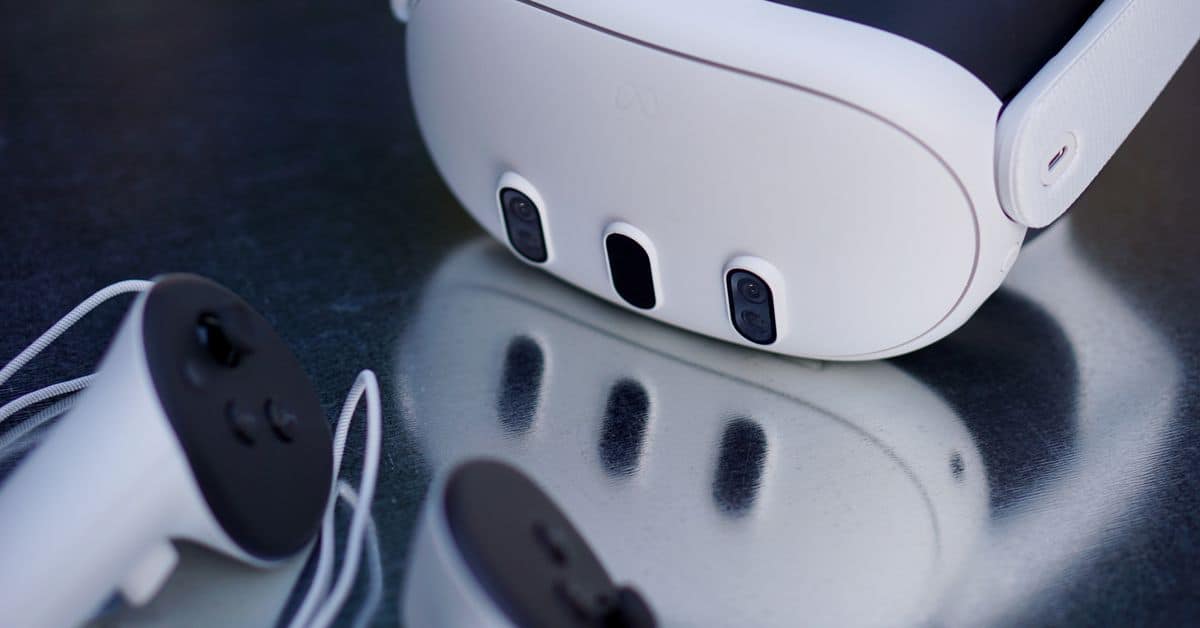
Meta has announced the v72 Quest update, and it’s packed with features like faster hand tracking, an easier way to pair your headset with a Windows 11 PC, and better support for showing your keyboard while you’re in full virtual reality. The update is rolling out gradually, which also goes for certain features so you may not be able to use them immediately.
Meta says you can now connect to a paired PC with the Quest’s Remote Desktop feature simply by looking at it and tapping the “Connect” button that appears above your keyboard. That’s similar to how it works on the Vision Pro, but here, you’ll need the Mixed Reality Link app installed on your computer before you can pair the devices together from within your Quest headset’s Settings app. The feature requires Windows 11 22H2 and newer.
Also, in Quest v72, the company says it’s “rolling out a more general keyboard tracking system” that should detect and let any keyboard around you appear through a passthrough “window” while you’re in a virtual environment, similar to the Vision Pro. Quest headsets have had a feature that shows a virtual version of your keyboard where your real one is since 2021, but that has only ever worked with specific keyboards.
Meta also says it has made the hand cursor more stable when navigating, pinching to select things, and pinching and dragging windows. The company also says it’s now easier to use your hands while in confined spaces and that it added a “hand ray visualization” to help find and target things with the cursor.
There is a little bit more in the update, too, including new live captions for calls from the People app and the addition of direct messaging in the Instagram app. Meta also added a Media Gallery app for viewing your images, videos (spatial included), and screenshots.
Meta has announced the v72 Quest update, and it’s packed with features like faster hand tracking, an easier way to pair your headset with a Windows 11 PC, and better support for showing your keyboard while you’re in full virtual reality. The update is rolling out gradually, which also goes…
