Nvidia makes it easier to get GeForce Now running on the Steam Deck

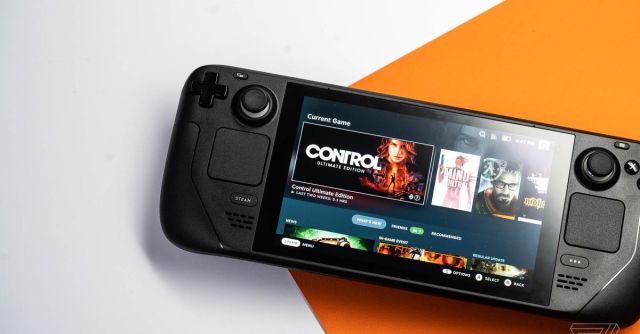
Nvidia is releasing a script that simplifies getting its GeForce Now cloud gaming service up and running on Valve’s Steam Deck device. The script automatically installs Google Chrome, adjusts the browser to enable gamepad use, and then adds a GeForce Now shortcut to your Steam library.
While the script automates the process of using the SteamOS terminal app to install Chrome and enable gamepad support, you’ll still need to make some manual tweaks to get GeForce Now working as you’d expect. Once you launch GeForce Now, you’ll need to press the Steam menu button and head into controller settings to change the value of Current Button Layout to “Gamepad with Mouse Trackpad.” This will allow you to use the trackpad to control the mouse inside GeForce Now.
You can use Nvidia’s GeForce Now streaming overlay by long-pressing the Steam Deck’s menu button, which will also help with navigating the cloud gaming service. Nvidia warns that some games like Genshin Impact require gamepad input within the settings interface, which means you’ll need to use the trackpad to navigate the menu options. You can also use the escape key by pressing the Steam button and left D-pad shortcut.
Nvidia is releasing a script that simplifies getting its GeForce Now cloud gaming service up and running on Valve’s Steam Deck device. The script automatically installs Google Chrome, adjusts the browser to enable gamepad use, and then adds a GeForce Now shortcut to your Steam library. While the script automates…
