Your Google Pixel phone just got a big smart home update

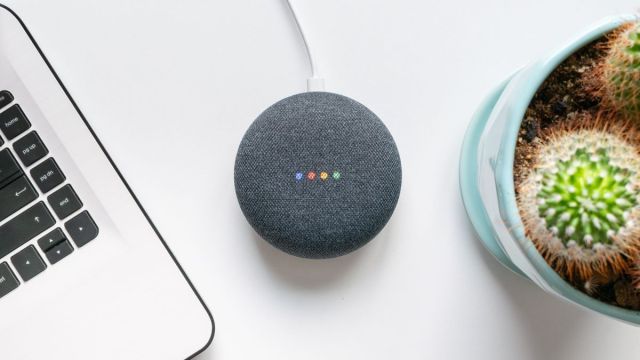
Managing your smart home with Google Home is about to get simpler – if you have a Google Pixel device that is. That’s because Home Panel is rolling out to devices, including the Google Pixel 7 and Google Pixel Fold, and it allows you to control much of your smart home tech from your lock screen.
Home Panel debuted on the Google Pixel tablet, and it allows you to access controls like the brightness of your smart bulbs, the volume of your smart speaker, or the intensity of your smart fan without needing to unlock your Pixel device. You won’t be able to control everything from your locked phone, however. For example, you’ll need to unlock it to control your smart home security cameras.
The update is currently rolling out so you might not have access to the features quite yet. But those of you that have a Pixel device should make sure you’re running the latest version of Android 14 and be on the lookout for a Google Home app update.
To access the new feature when it has gone live or check if you have the update yet or not, you just have to lock your phone. Then, wake it up by picking your phone up, tapping on the screen or pressing the power button, and then pressing the Home icon in the bottom left corner of the screen. This will show you your home panel, and quick controls for your favorite smart devices.
Home Panel: Smart homes are getting smarter
Unlocking your phone to manage your smart home gadgets can make the system feel sluggish – and not quite as smart as the name suggests. But this new Home lock screen menu should make the experience of managing your home a fair bit simpler and quicker.
Controlling home devices with your voice – thanks to the help of a compatible smart speaker – can also help to make your setup feel smarter, but sometimes using a control panel is the best option for what you need.
On more than one occasion we asked our Google Assistant to turn the volume down to 7 because the speaker is too loud, only for the volume to go up because it was on a lower setting than we realized. Other times we’ve wanted to gradually dim the lights, but having to repeatedly ask Google to make your room darker until it hits the right level can be a bit tedious – or even worse, ask it to make it brighter when you realize you went too far.
If we’d used the Home Panel, we could have avoided this frustration. We could have seen the speaker was already at half volume and dragged the bar down to make it quieter; similarly, we could have adjusted the light levels using the control bar rather than bringing them down incrementally with several commands.
Hopefully, Home Panel will make its way to other devices soon, though it’s not clear when other phones in our best Android phones will get the feature.
Managing your smart home with Google Home is about to get simpler – if you have a Google Pixel device that is. That’s because Home Panel is rolling out to devices, including the Google Pixel 7 and Google Pixel Fold, and it allows you to control much of your smart…
