New Safari 17 preview lets you try out the browser before it hits macOS Sonoma

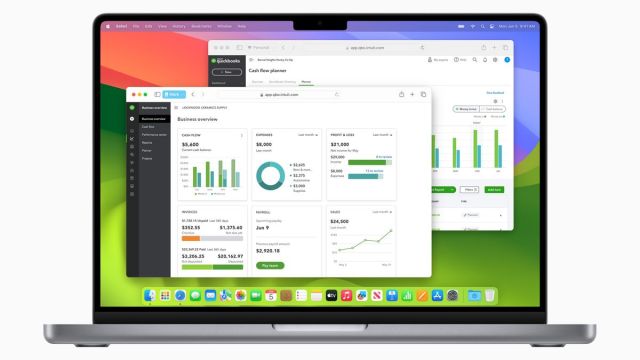
Apple is giving more people the opportunity to try out Safari 17 before it launches on macOS Sonoma as it has recently released Safari Technology Preview 173.
Up to this point, the only way people could use the revamped Safari was to install the Sonoma beta onto their Mac. With this preview, Ventura users can now see what all the fuss is about without having to commit to downloading the beta.
There are, however, restrictions. Safari 17 on Ventura excludes some of the more impactful changes in the update leaving the browser with mostly developer tools. The preview introduces Live Text support to recognize vertical text in images and videos. A tweaked Responsive Design Mode will further enhance the responsiveness of a webpage. Then there’s the new Feature Flags section offering easier access to experimental features from Apple.
It appears Safari 17 on Ventura is not the most recent build of the updated browser, which is one reason why users on that system won’t get all of the bells and whistles. If you do want all the bells and whistles, you’ll need to first install the Sonoma beta on your Mac and then upgrade Safari to the 173 preview build.
Exclusive to the Sonoma beta
After installing the build, you’ll get four new features; three of which were first seen during WWDC 2023. You have the long overdue inclusion of Profiles to Safari so people can share their Mac computer with friends or family while maintaining their privacy. Private Browsing on Sonoma will now lock your “windows when not in use” while also adding protection against “advanced techniques used to track” people online. Plus, you’ll be able to add websites to your Mac Dock for instant access.
The only new addition is a “redesigned text cursor” utilizing your system’s accent color. So if your Mac’s accent color is red, the text cursor will be red too. The rest of the 173 preview build consists of either a developer tool or bug fixes, including newfound support for the JPEG XL image and HEIC file formats and addressing videos going black “when exiting picture-in-picture”. Nothing major. No word when the enhanced search function or passkey sharing will arrive in a Safari or Sonoma beta.
Availability
If you’re interested in trying out Safari 17, head on over to Apple’s Developer website and then download the browser that best fits the macOS you’re running. Your computer will walk you through the process. The best part is it’s available to everyone. You don’t need to be a developer to try it out although developers will probably be the ones to get the most out of the build.
9to5Mac states that Safari 17 will be its own standalone app so it won’t replace the main browser. You can uninstall it anytime you want. Also, remember this is a preview build. The final product may look different.
Apple is giving more people the opportunity to try out Safari 17 before it launches on macOS Sonoma as it has recently released Safari Technology Preview 173. Up to this point, the only way people could use the revamped Safari was to install the Sonoma beta onto their Mac. With…
